DQX Studio
DQX Studio is in Beta. It's ready to use, but features and screens may still change between releases.
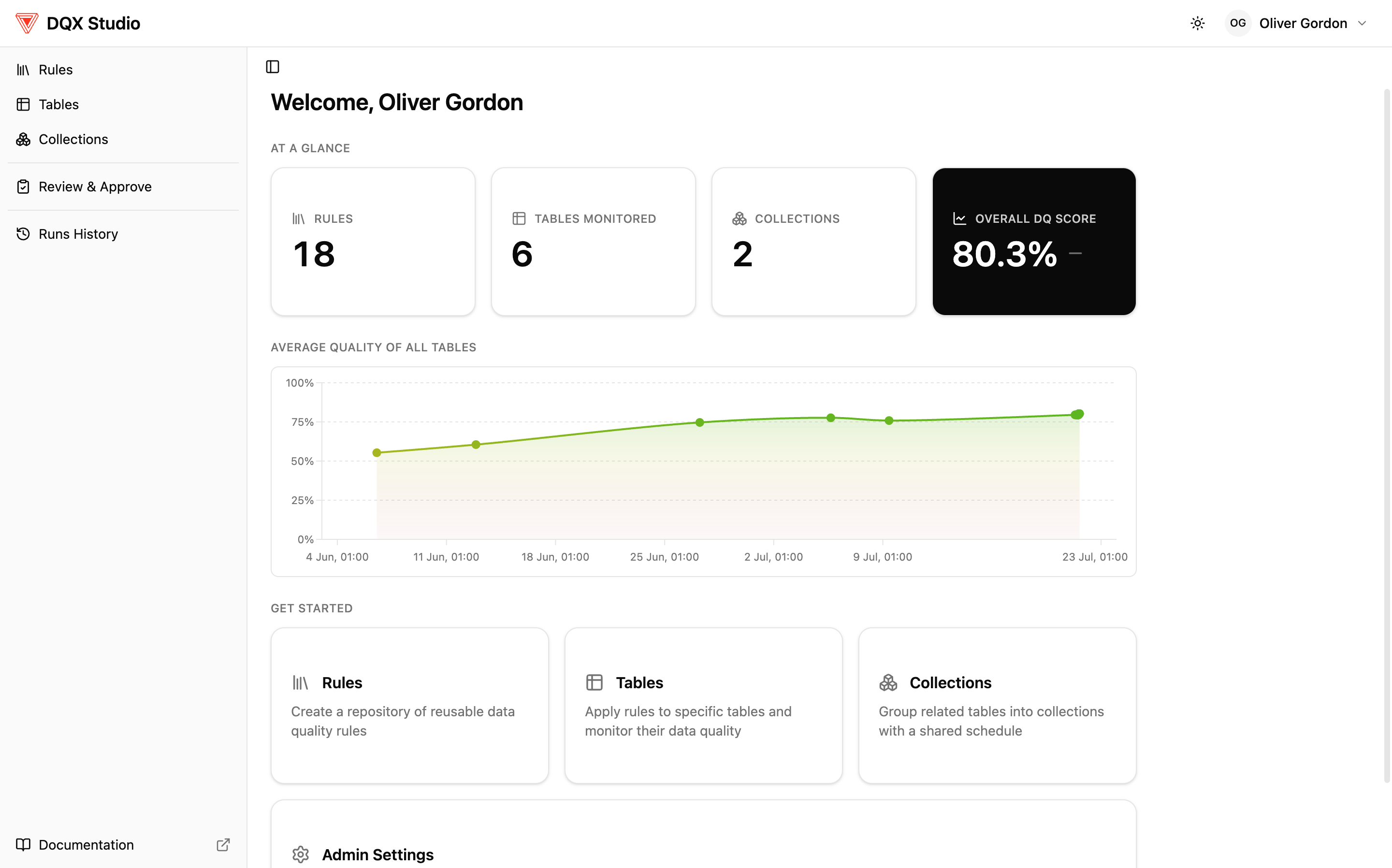
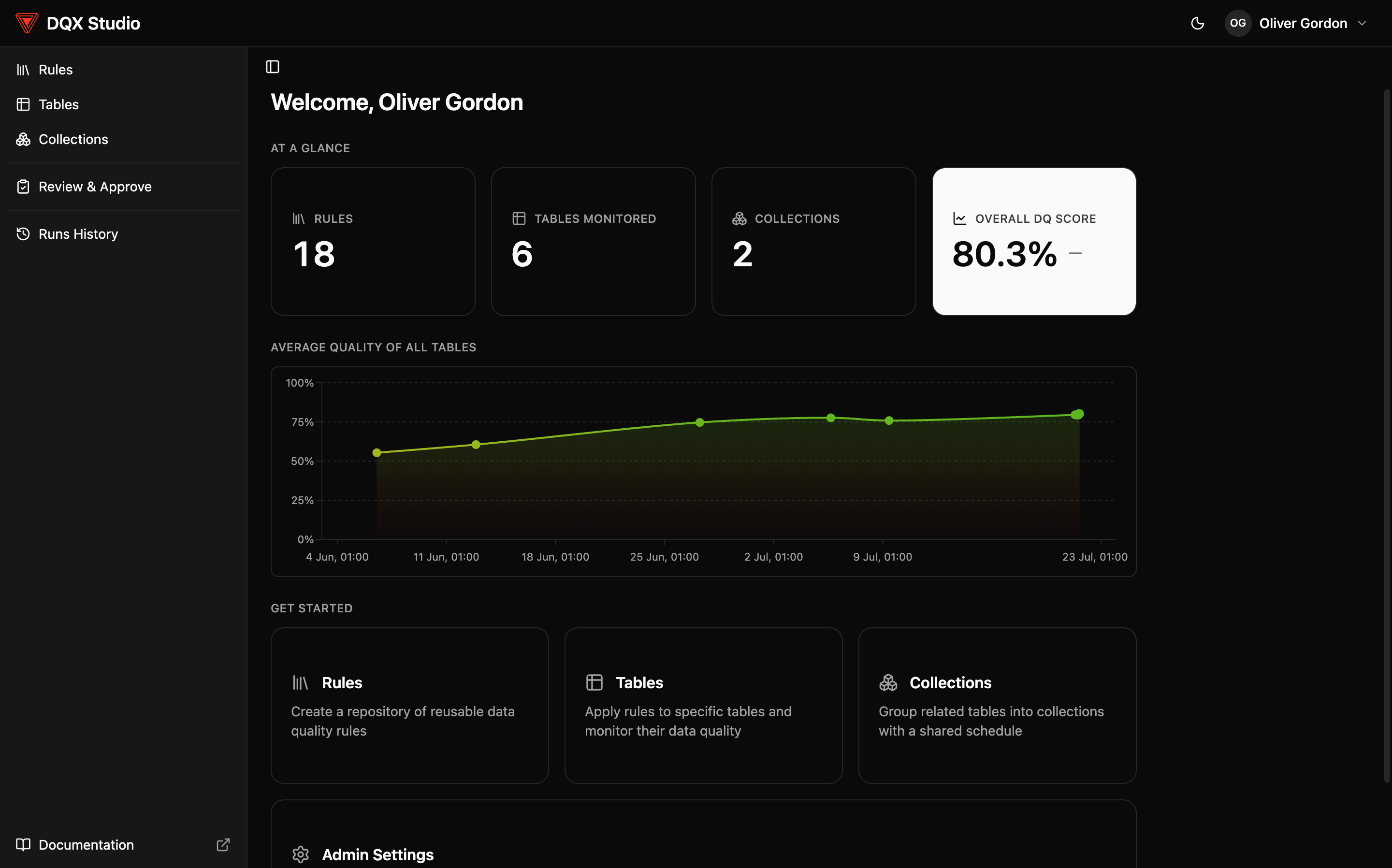
DQX Studio is a no-code web app for data quality. It lets you define the rules your data should follow, run them against your tables, and see — at a glance — whether your data can be trusted. All from a browser, with no code to write or maintain.
It runs inside your own Databricks workspace as a Databricks App, so it uses your Databricks sign-in and only ever shows you data you already have access to.
Who it's for
DQX Studio is built for the people accountable for data quality — data stewards, data governance managers, and the analysts and owners who work with them — not just engineers. If you can describe what "good data" looks like ("customer email should never be blank", "an order amount can't be negative"), you can use DQX Studio to enforce it.
DQX Studio is the no-code experience. If you'd rather define and run checks from Python in your pipelines and notebooks, see DQX Core — the same data-quality engine, exposed as a Python package.
Install DQX Studio
Your Databricks administrator installs DQX Studio once for the whole workspace — the recommended route is a one-click install from the Databricks Marketplace, with a Declarative Automation Bundle (DAB) available as an alternative. Both paths, their prerequisites, and the post-install setup wizard are documented in the main installation guide:
For administrator-oriented detail, see the Studio deployment guide.
Key concepts
You only need a handful of ideas to feel at home in DQX Studio.
Rules, checks, and tests
| Term | What it is | Example |
|---|---|---|
| Rule | A reusable definition of an expectation about your data. You write it once and reuse it. | "This column is never blank." |
| Check | A rule applied to a specific column on a specific table. One rule can become many checks. | "customers.email is never blank." |
| Test | A single evaluation of a check against one row (or one aggregate) during a run. | Checking email on row 42 — one test. |
So one rule can become several checks, and each check produces one test per row when it runs. The headline DQ score is the average test pass rate across all checks, and a collection's score is the average across its member tables. See Review results.
The three levels: Rules → Tables → Collections
DQX Studio has three levels that build on each other:
- Rules Registry — your library of reusable rule definitions. Write a rule once ("an amount is never negative") and reuse it across many tables, so your organization defines each expectation once and updates it in one place.
- Monitored table — a Unity Catalog table you've applied rules to. It's the single source of truth for that table's data quality: which rules apply, how strict they are, and how it's scoring.
- Collection — related monitored tables grouped so you can
view, run, and schedule them together (for example the
customers,orders, andpaymentstables behind one dashboard or Genie space). Collections are optional — reach for them once you have related tables to report on (e.g. as one data product).
Severity
Every rule has a severity — a customizable Low / Medium / High / Critical priority that says how much a failure matters. Severity drives triage and reporting ("show me the critical failures first"); it does not, by itself, decide whether a run is good or bad — that's what pass thresholds are for. You set a default when you write a rule and can override it per table.
Under the hood DQX Core has two outcomes for a failing check — warning and error. By default Low and Medium map to warning and High and Critical map to error; that mapping is configurable in the Admin pages.
Quality dimensions
Each rule is tagged with the dimension of quality it measures, so you can report by category: completeness (is data present?), validity (right shape?), accuracy (within bounds?), consistency (agrees with related data?), uniqueness (no unwanted duplicates), and timeliness (recent, not in the future).
Roles and the rule lifecycle
What you can do depends on your role — Viewer, Rule Author, Rule Approver, or Admin. Rules don't go live the moment you write them: a rule starts as a draft, is submitted for review, and becomes active only once an approver signs off. This "four-eyes" step means at least two people touch every rule before it affects a run. See Permissions & entitlements and the Approval workflow.
DQX Studio never changes your data — a failing check only reports which rows didn't pass. And you only ever see what you already have access to, because the app browses Unity Catalog as you.
What do you want to do?
- See whether your data is healthy → open Review results.
- Add a new rule → follow the Quickstart, or jump to Create a rule.
- Roll DQX Studio out across your organization → Configure DQX Studio.
The Quickstart takes you from an empty screen to your first monitored table in about ten minutes.
In this section
- Quickstart — your first monitored table in about ten minutes.
- Authoring rules — create a rule (built-in checks, AI generation, profiling, and governed tags), plus its subpages cross-table rules and row-level vs dataset-level; import rules; and the Rule Marketplace.
- Monitor your tables — monitor a table, assign rules (with quality thresholds), profiling, collections, and run checks & schedule.
- Review results — read the DQ score, drill into the breakdowns and failing records, and ask Genie about your quality.
- Governance & security — set up for your organization, permissions & entitlements, and the approval workflow.