Profiling
If you're not sure what rules a particular table needs, let DQX profile the data and suggest them. Profiling scans a table, measures the shape of what's actually in it, and suggests candidate rules based on what it finds. You review the suggestions and keep the ones that make sense.
It's the data-driven way to get a starting set of rules without writing them from scratch. Open the Profile tab on a monitored table to run it.
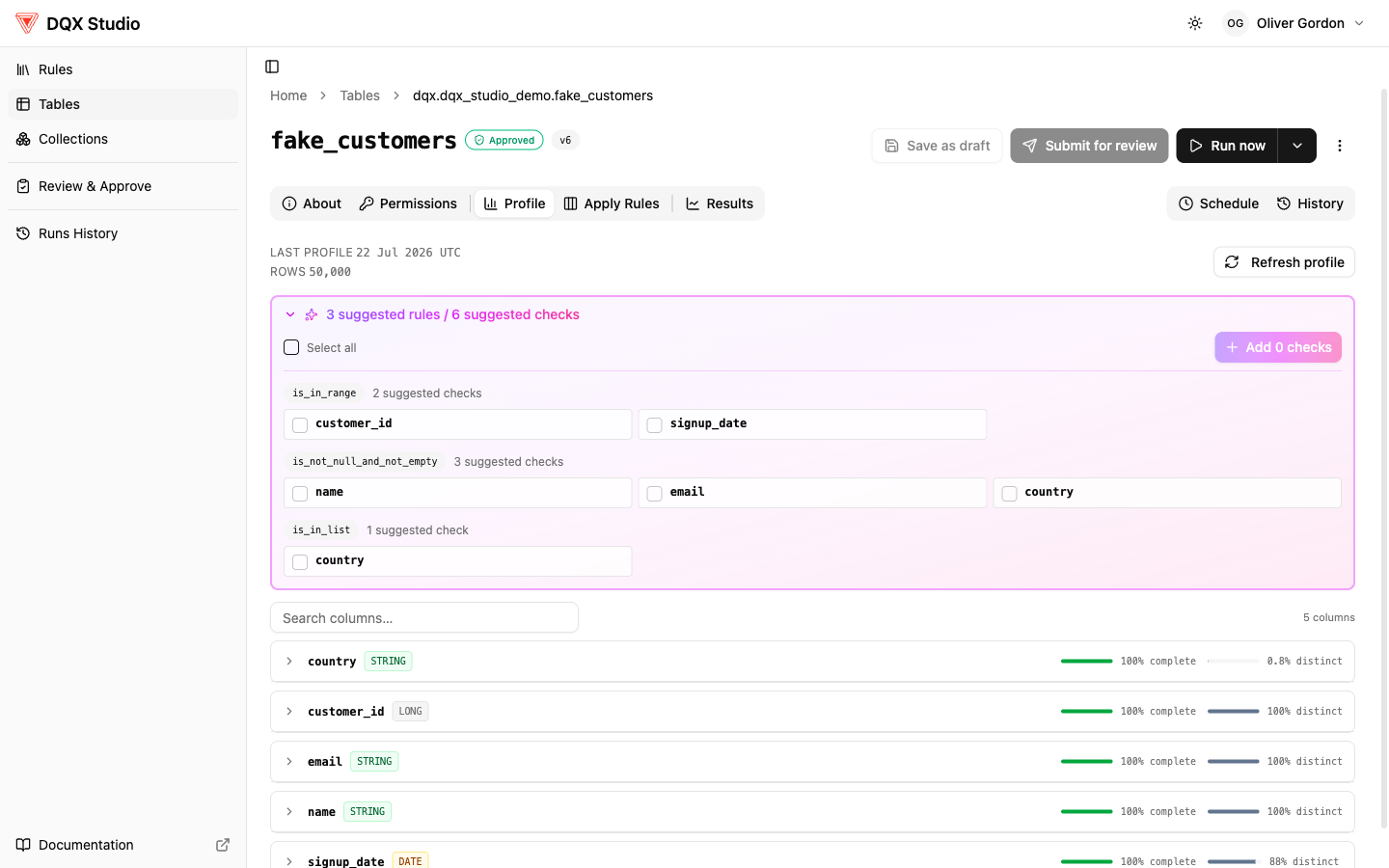
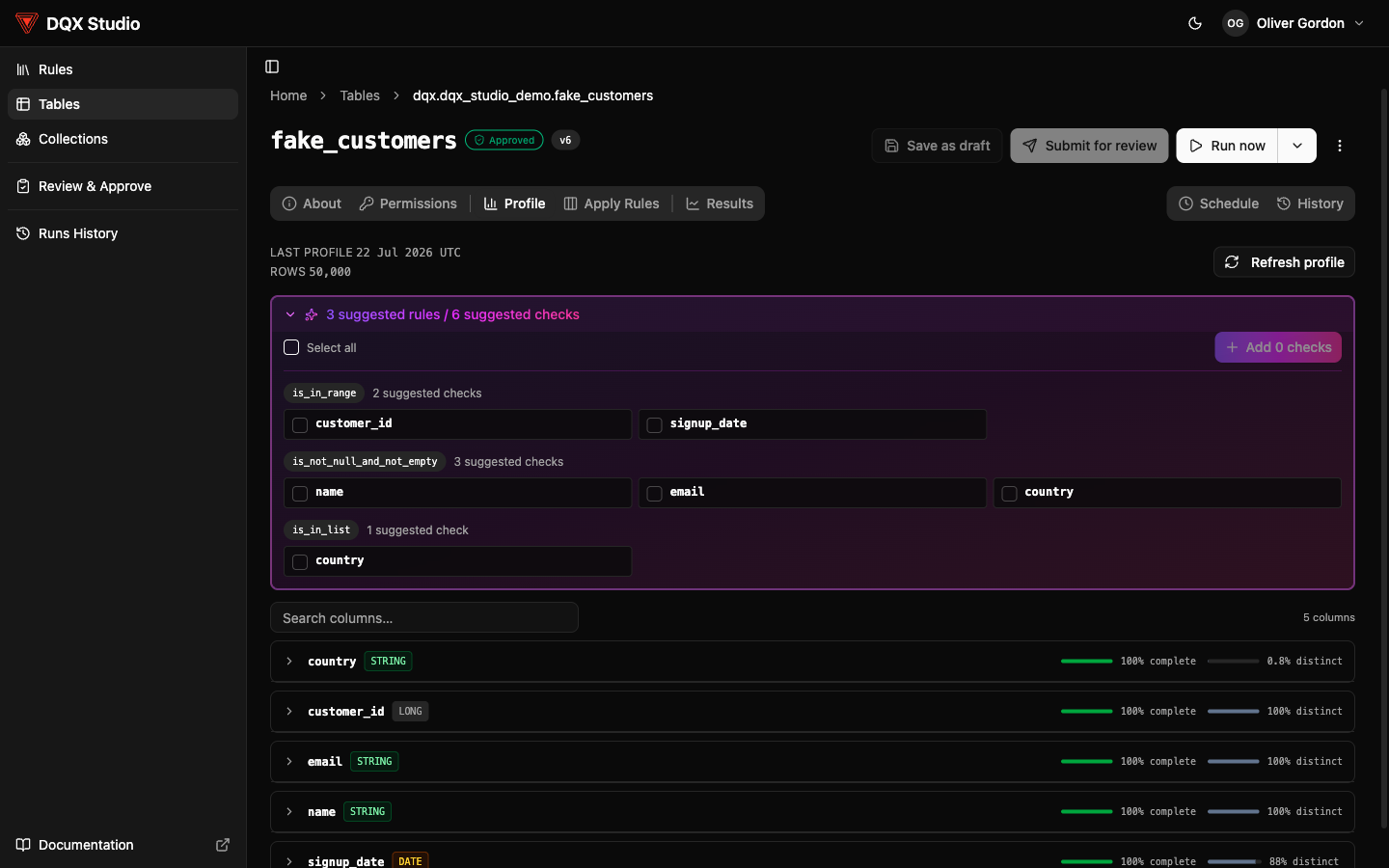
What profiling does
Profiling reads a sample of the table and computes statistics for each column, such as:
- how many rows there are
- how often a column is blank or empty
- how many distinct values a column has
- the minimum and maximum values
- the most common values, and
- patterns it detects in the values (for example, values that look like email addresses)
From those statistics it proposes candidate rules — draft rule ideas drawn from the data, e.g.:
- a column that's never blank becomes a suggested "is not null" check
- values that all match an email shape become a suggested pattern check
- a column with a small set of repeated values becomes a suggested "is in list" check
These are suggestions, not decisions. You decide which ones to keep.
Run the profiler
- Open the table's Profile tab. You can only profile tables you already have access to in Unity Catalog.
- Run the profiler. It runs on behalf of you (OBO), reads a sample of the data, and computes the statistics above.
- Review the results. You'll see two things: the profiler statistics (the measured shape of each column) and the suggested candidate rules drawn from them. Read the statistics to sanity-check each suggestion — a "never blank" column is only worth an "is not null" check if that will stay true.
- Keep the suggestions you want. Retained suggestions are saved as drafts so you can refine them before they go live.
- You can discard the rest.
Profiling only reads a sample and computes statistics — it never changes, deletes, or moves your data. And a suggested rule doesn't take effect on its own: it lands as a draft and still goes through the normal review and approval steps before it starts checking data.
Profiling or Suggest rules with AI?
Both help you write rules faster, in different ways:
- Profiling is statistics-driven. It measures what's actually in the table and proposes rules from those numbers. Use it when you want to see the shape of the data alongside each suggestion.
- Suggest rules with AI reads the table's columns and data and proposes a tailored set of checks directly on the Apply Rules tab. Use it when you want the fastest path to a sensible starting set.