Overview
Lakemeter is a web-based sizing and cost-estimation tool for Databricks workloads. It helps you turn expected usage into a reviewable estimate without hiding the assumptions behind the total.
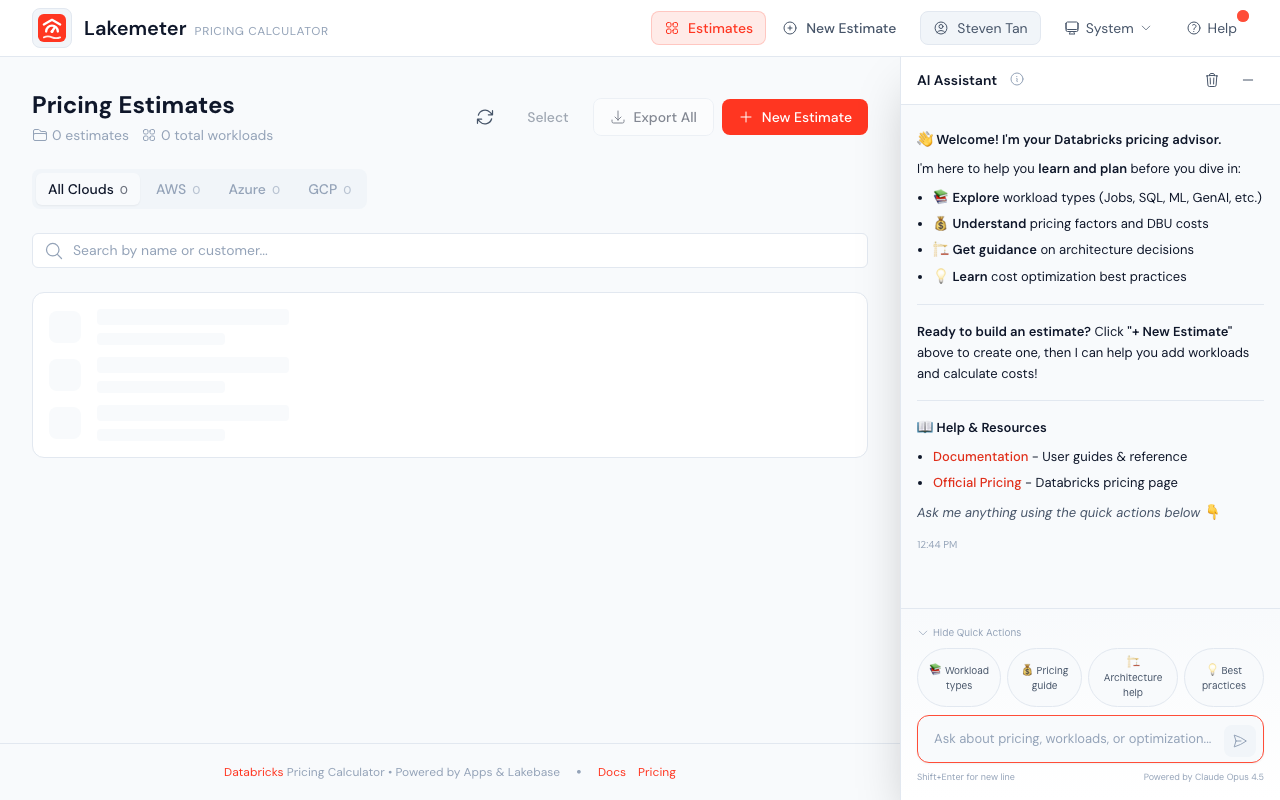 The Lakemeter home page — manage your estimates, filter by cloud provider, and access the AI assistant.
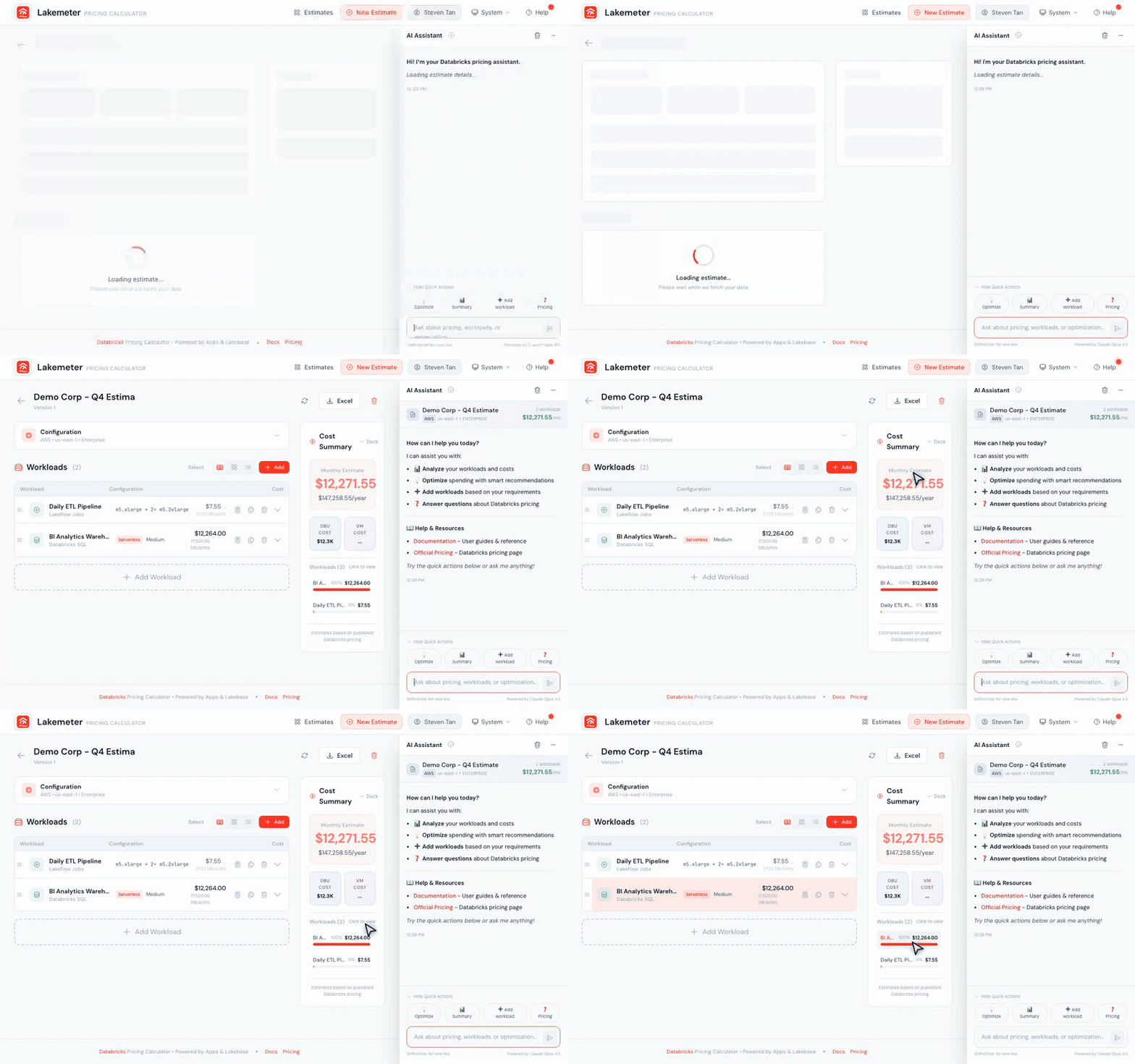 Animated: the cost summary panel in action — expand workload costs and hover over values to see detailed breakdowns.
What You Can Do
Create Estimates
Build cost estimates that include multiple workloads. Each estimate is scoped to a specific cloud provider, region, and pricing tier. You can create, duplicate, and share estimates with your team.
Configure Workloads
Add supported workloads and configure the inputs that affect their estimated consumption. Use the workload sizing catalog to find the canonical guide for each workload.
Get AI Assistance
Use the built-in AI assistant to ask pricing questions, get help configuring workloads, or generate entire estimates from natural language descriptions.
Export Reports
Download professional Excel reports with full cost breakdowns, ready for RFP responses, procurement reviews, or internal planning.
Inspect Pricing
Use the SKU Explorer to inspect list rates by deployment context, or the FMAPI Tokens guide to understand the token-pricing view.
How the documentation is organized
- Getting Started explains the estimate-building workflow.
- Workload Sizing Guides document the inputs and calculations for one workload at a time.
- Pricing explains how to inspect the rate data available in Lakemeter.
- Features covers cross-workload tools such as the AI assistant and Excel export.
- Reference explains shared sizing and calculation concepts without duplicating workload formulas.
This structure keeps product-specific sizing changes in one guide. A new workload can be documented without rewriting every tutorial and overview.
Pricing and product information
The cloud, region, tier, SKU, and rate options shown in Lakemeter determine what can be selected for an estimate. Availability can differ by workload and can change over time.
Use Lakemeter for planning guidance, then verify current platform capabilities in the official Databricks documentation and current rates on the Databricks pricing page.