Lakemeter
Build transparent Databricks cost estimates in minutes, not days.
Lakemeter turns workload assumptions into structured, exportable Databricks cost estimates. Select the deployment context available in the app, configure how each workload is expected to run, and review the pricing assumptions behind the result.
Who should use this?
Solutions Architects and Sales Engineers
You need cost estimates for customer proposals, RFPs, or proof-of-concept planning. Lakemeter lets you configure workloads with real instance types and usage patterns, then export a professional Excel report you can hand directly to a customer.
Start here: 5-Minute Tutorial | End-to-End Workflow
Data Engineers and Platform Teams
You need to estimate costs for a new data platform, migration, or capacity expansion. Lakemeter lets you combine multiple supported workloads in one estimate and make the sizing assumptions visible.
Start here: Quick Reference | Workload Guides
Administrators
You are deploying Lakemeter for your team or integrating it with other systems.
Start here: Deployment Guide | API Reference
Choose what to size
Each supported workload has a dedicated guide covering the inputs Lakemeter asks for, how those inputs affect the estimate, and what is included in the exported result.
Use the workload sizing catalog to choose a guide. For current Databricks product capabilities and availability, refer to the official Databricks documentation.
Key capabilities
- Real-time cost calculation -- costs update instantly as you adjust workload parameters
- AI Assistant -- describe what you need in plain English and get workload configurations suggested for you
- Excel export -- download professional reports with full cost breakdowns, ready for customer handoff
- Pricing tools -- inspect rates with the SKU Explorer and FMAPI Tokens views
- Estimate sharing -- collaborate with team members on the same estimate
- Duplicate and compare -- clone estimates to model alternative configurations side by side
Quick start
- Open Lakemeter and click New Estimate
- Choose your cloud (AWS/Azure/GCP), region, and pricing tier
- Add workloads and configure their parameters
- Review the cost breakdown
- Export to Excel
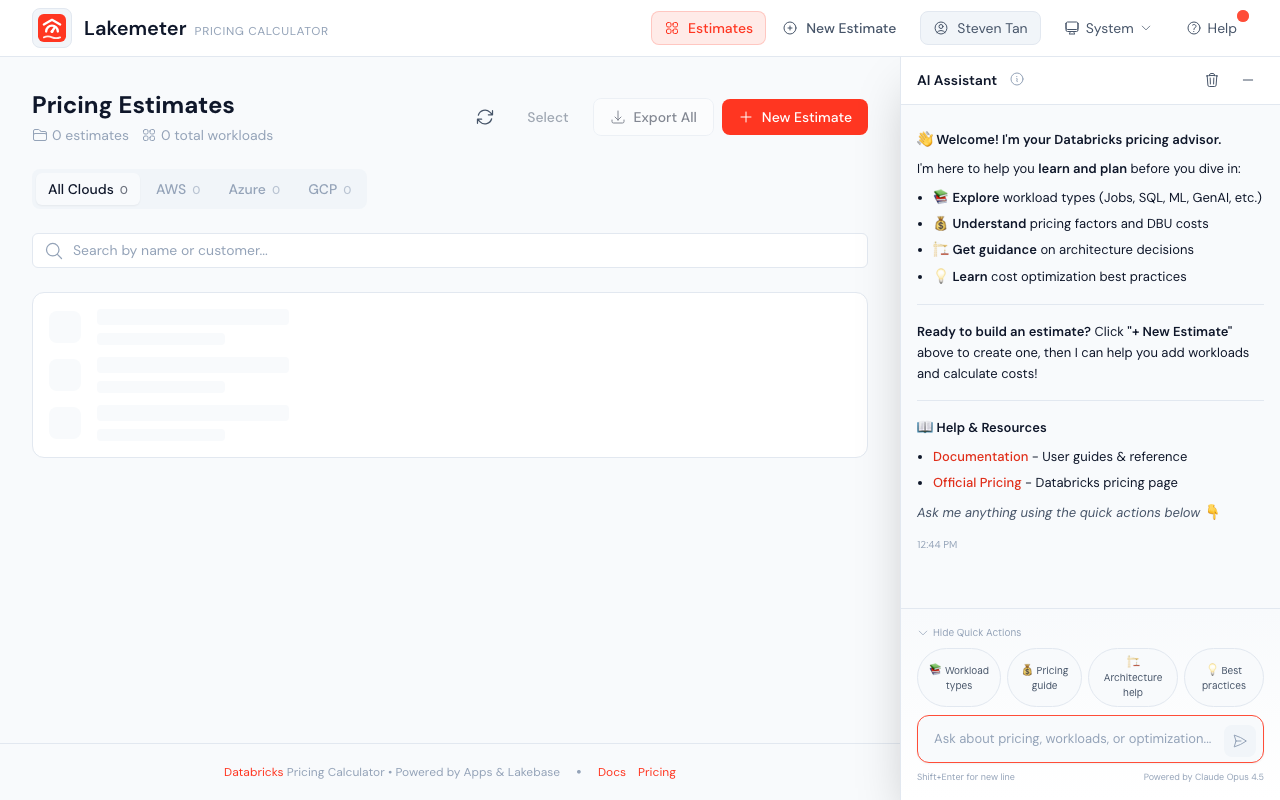 The Lakemeter home page showing your estimates with cloud provider, region, and AI assistant panel.
Ready for the full walkthrough? See the 5-Minute Tutorial.